Why the numbers differ
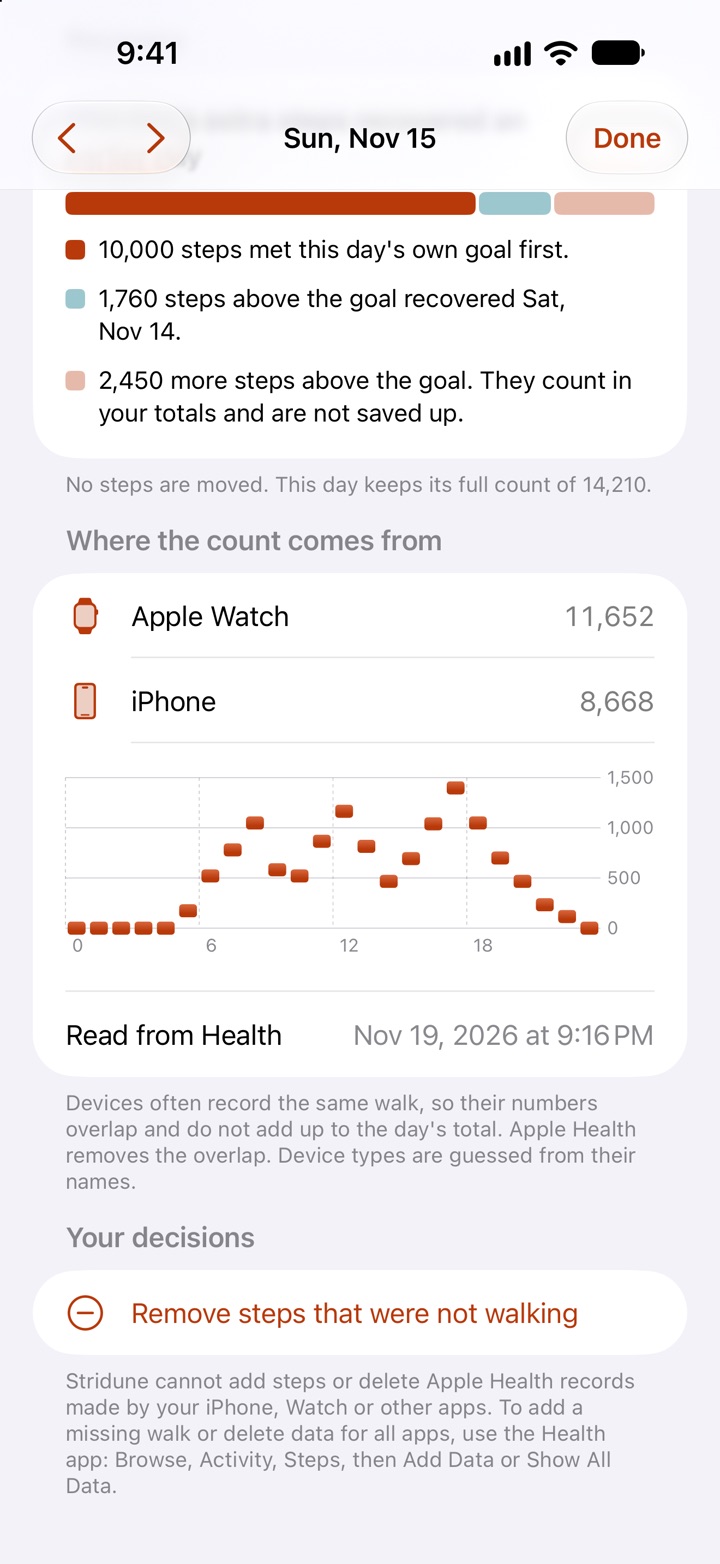
- Why your iPhone and Apple Watch show different stepsTwo devices, one walk, two numbers. Which one is right?
- Does the Apple Watch count the same steps twice?No. How Apple Health keeps one count when two devices record the same walk.
- Why your step count went down during the dayWhat happens when the Watch’s data arrives.
- Why a step app shows a different number than Apple HealthApps read at different times and combine devices in different ways.
- Two ways to count: Apple Health total or optimized mergingWhat each method does, with an example day.
- Past days never changeHow Stridune locks in finished days.
- Choose which device counts your steps in Apple HealthHow to see and reorder the sources for Steps.
Streaks and goals
- You lost your step streak. What now?What you really lost, and how to start again with better odds.
- How to move your step streak to a new appWhat comes along automatically, and how to match your old streak.
- How to set a step goal you can keepStart from your own average, not from a round number.
- How the Stridune step streak worksRest days, recovery, the illness pause and the rules you can choose.
Apple Watch and widgets
- How to see your steps on the Apple Watch faceApple’s own faces have no steps complication. Two ways to see your steps.
- Does the Apple Watch count steps without the iPhone?Yes. What happens to those steps afterwards.
- Put your steps on the iPhone Lock Screen and Home ScreenHow to add a step widget, step by step.
- Step widget not updating: what to checkWhy widgets lag, and six things to try.
- Apple Watch steps not syncing to iPhoneWhat to check, in order.