1. Check whether it is really gone
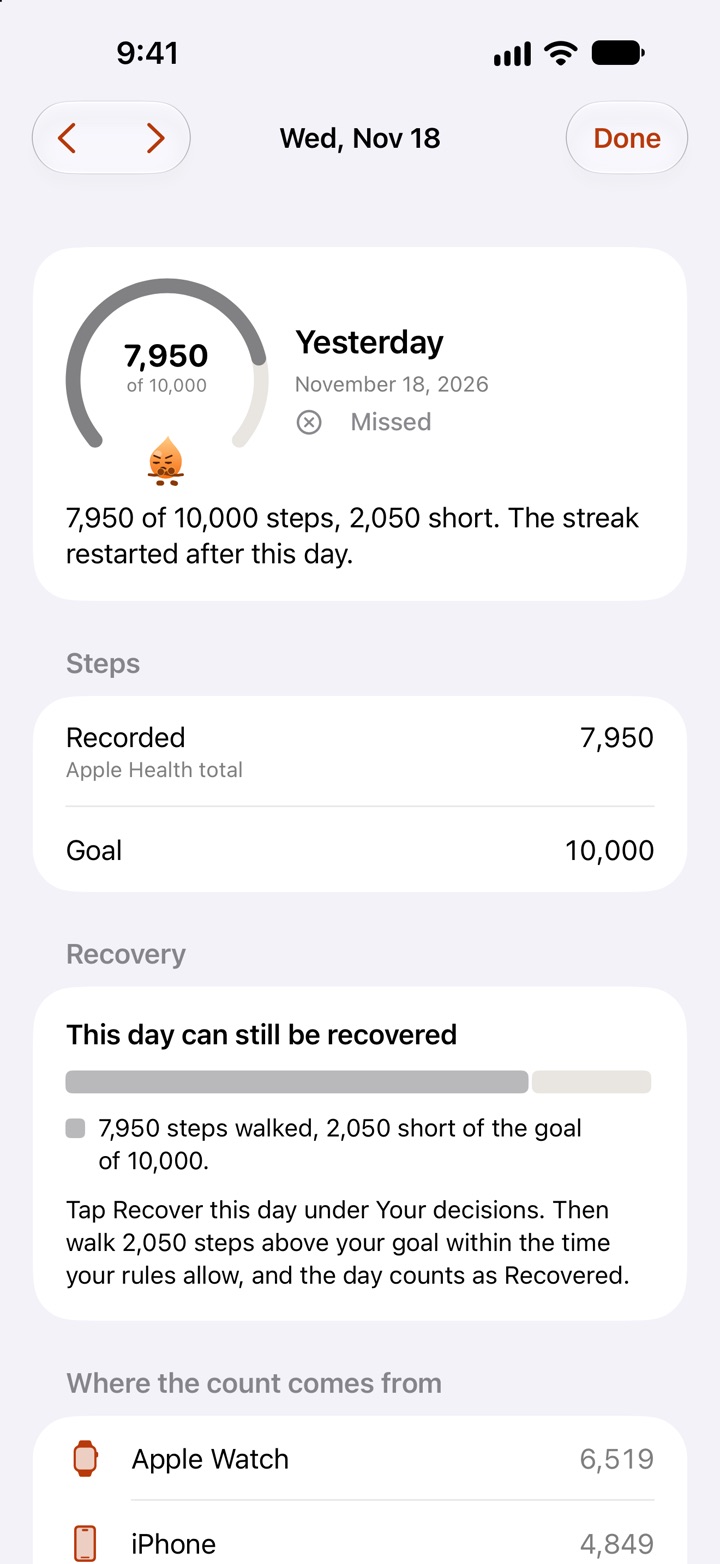
If you use Stridune, open the Today screen on the day after:
- A rest day covered it. If you had one saved, it was used automatically and your streak is still there.
- It can still be recovered. The screen tells you how many steps above today’s goal bring the day back. How recovery works.
- You were ill. With Stridune Pro you can mark a past day as a sick day. Next time, pause the streak when you start to feel ill.
In other apps the options differ. Some offer a freeze or a repair, some for free and some for money. The streak rules of the main step apps, compared.
2. See what you actually lost
A streak of 80 days means you walked on 80 days. Those walks happened. Your history, your averages and what the walking did for you are all still there. What is gone is one number on one screen.
It still hurts, and that is normal: the number stood for something you were proud of. But the number was a tool to get you out of the door. The walking was the point.
- Goal met
- Missed
- Goal: 10,000
3. Start again today, not on Monday
Today’s goal is the same size it was last week. Reach it once and you have a streak of one.
4. Change the rules as well
If one bad day could end 80 good ones, the rules were too strict for real life. Before you start again, decide what should happen on the next bad day:
- Rest days for ordinary off days. In Stridune you earn one for every six goal days by default, and you can change the rule.
- Recovery for a day that slipped away: walk the missing steps on top of the next day’s goal.
- A pause for illness, for up to 30 days.
- Rules you set yourself. Three rule sets are free. With Pro you set every number.
- A goal you reach on most days. How to set a step goal you can keep.
If you are coming from another app
Your steps are in Apple Health, so your history comes with you. Stridune applies its rules to your past days and shows a streak on the first day. With Pro, Match my old streak finds the rules that give the number your old app showed. How to move your step streak to a new app